Web Development Basics: How Websites Work
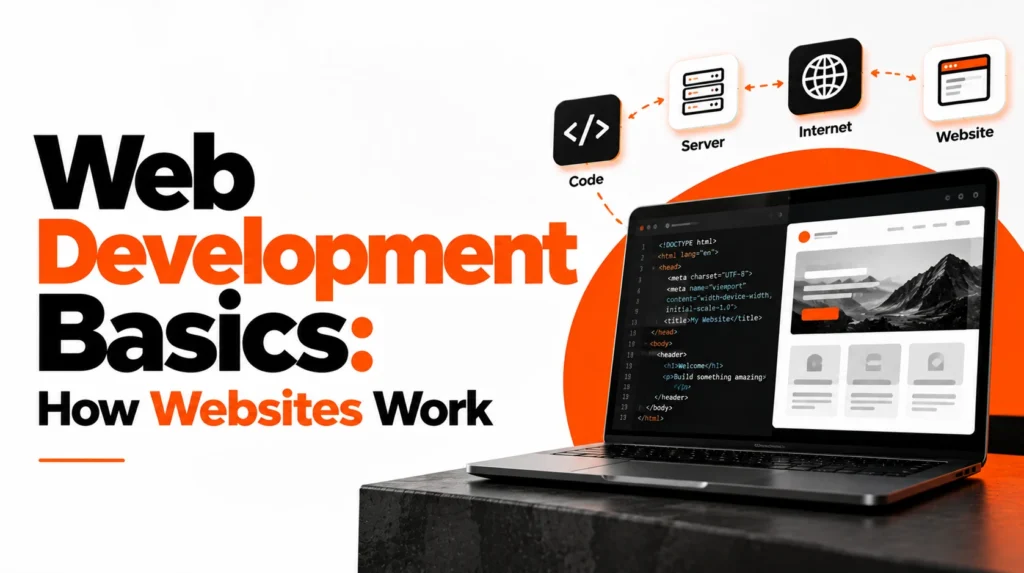
Web development combines structure, design, and programming to create websites and web applications. The main building blocks HTML provides structure, CSS controls presentation, and JavaScript adds interactive behavior. From code to a live website Developers test their code locally, connect it to hosting, and optimize the finished site for users and search engines.
Frontend vs Backend Development: What Is the Difference?
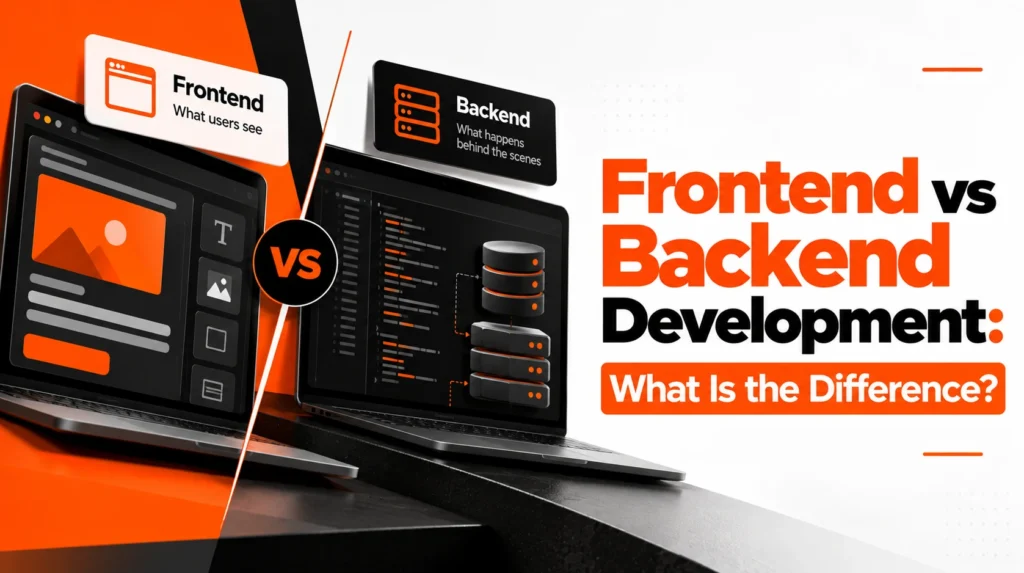
Frontend and backend development work together to deliver complete web experiences. Frontend development Frontend developers build the parts visitors see and interact with using HTML, CSS, and JavaScript. Backend development Backend developers manage servers, databases, authentication, and the logic that powers website features.
Essential Web Development Tools for Beginners
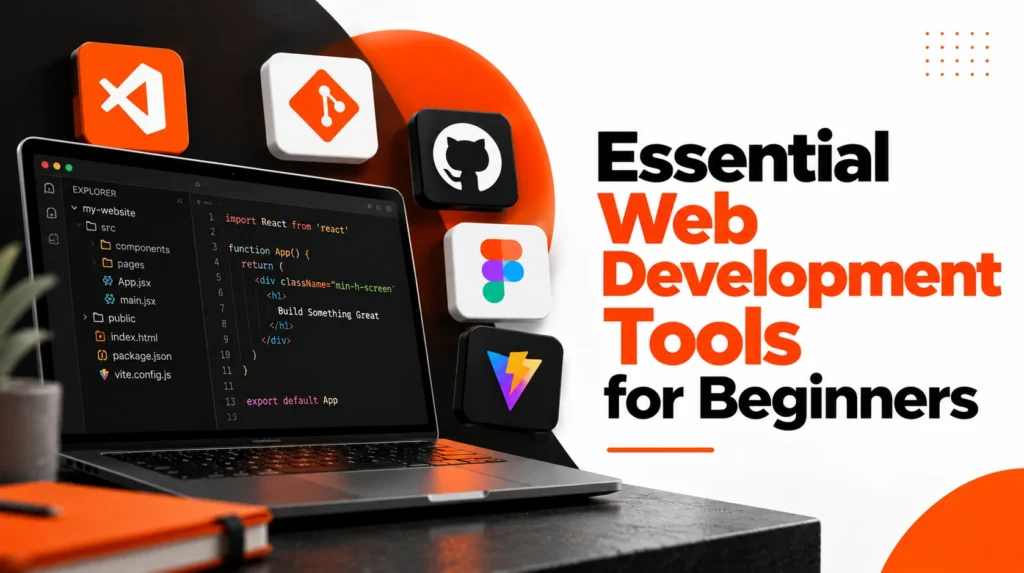
The right tools make it easier to write, test, organize, and publish website code. Start with the essentials A code editor, browser developer tools, version control, and a local development environment are useful foundations. Build good habits Keep projects organized, name files clearly, test changes often, and document important decisions.
How to Build a Fast and Responsive Website
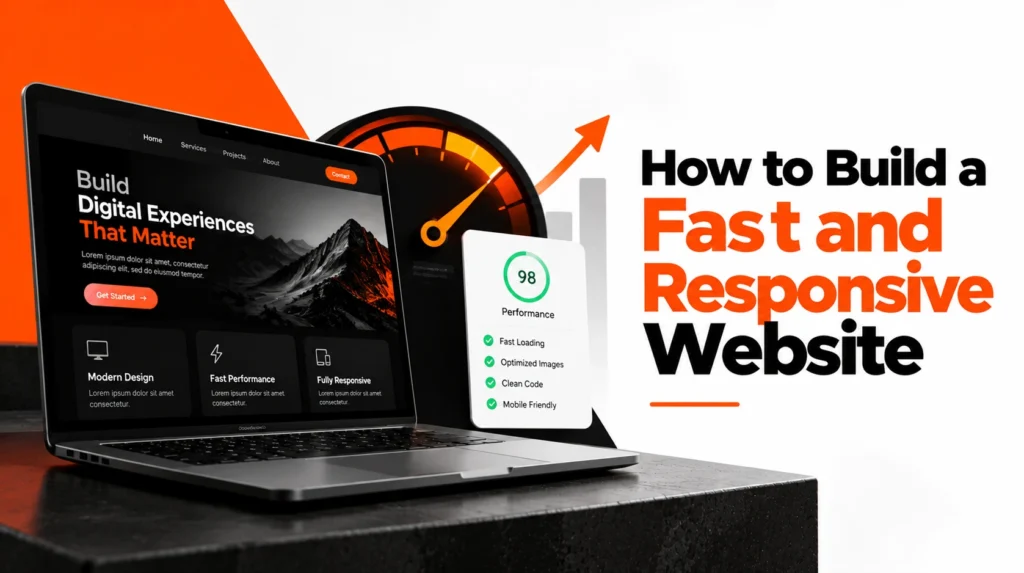
A fast, responsive website provides a better experience across desktops, tablets, and mobile devices. Focus on performance Compress images, reduce unnecessary scripts, use efficient code, and choose reliable hosting. Design for every screen Use flexible layouts, readable typography, and touch-friendly controls so the site works well on different devices.
Web Accessibility: Principles Every Developer Should Know
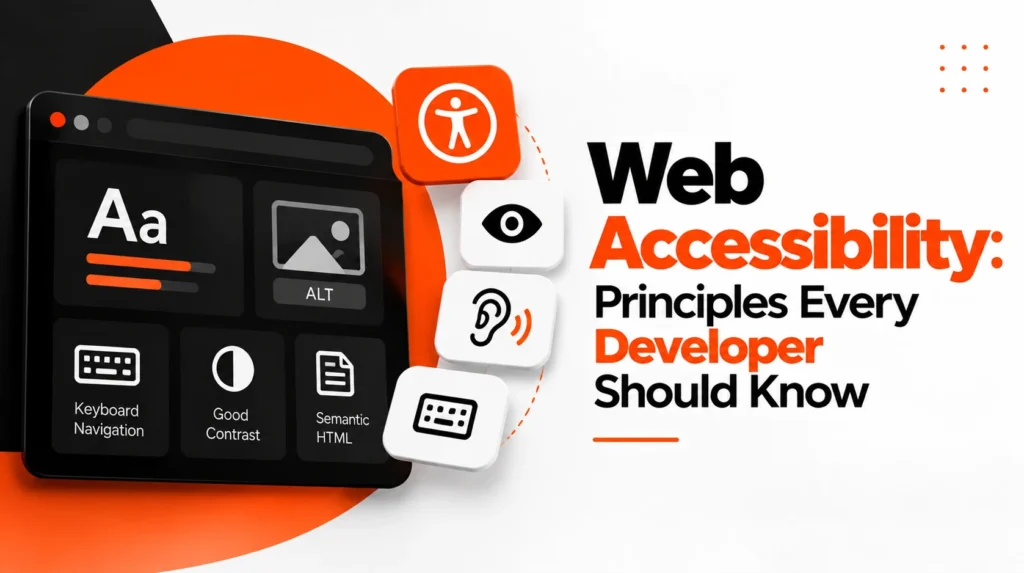
Accessible websites allow more people to use digital content regardless of their abilities or the devices they rely on. Make content understandable Use clear headings, descriptive link text, meaningful labels, and sufficient color contrast. Support different ways to browse Ensure keyboard navigation works, provide text alternatives for important images, and test with accessibility tools.